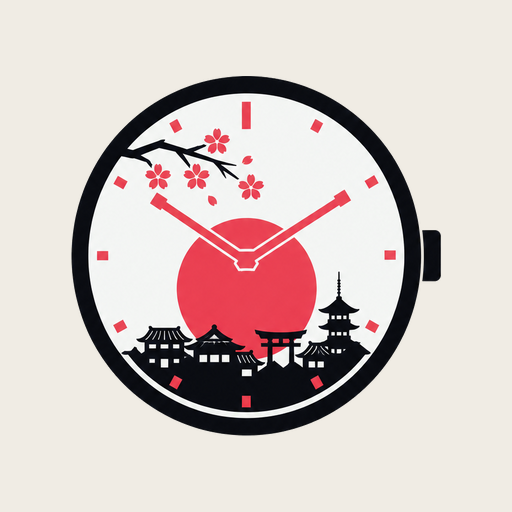
 anime studio
The town on your watch follows the season and the hour, and your companion reacts to your day: asleep at night, flagging on low battery, running when you work out, out with an umbrella when it rains. Make a face yours on your phone; it's on your wrist in seconds.
Everything here is the real art from the app. On the watch it all runs by itself, from the clock, the calendar, the battery, your heart rate, your steps and the weather.
Ten companions, each with their own personality and clock, plus one that starts from your own photo. The first face is free to try on your wrist.
Scene, companion, layout, colors, fonts and the always-on screen. Preview any season, hour or mood before you send it.
Your phone builds the face and sends it to the watch over Bluetooth. The watch keeps your last five, a swipe away in its tile.
| Scenes | A town through the year Four seasons at dawn, day, dusk and night, and festival days (new year, hinamatsuri, tanabata, obon, halloween, christmas). Add your own dates with your own pictures. |
| Companions | Eight moods Idle, asleep at bedtime, tired on low battery, running during a workout, under an umbrella in the rain, bundled up in the snow, cheering at your step goal, restless when you haven't moved. The first that matches wins, in that order. You set every threshold. |
| Weather | Rain on the town Rain, snow, storms and fog from your watch's forecast fall over any scene, your own photos too. Turn it off per face. |
| Your photo | Be the companion Pick a photo and the app cuts the subject out on your phone, then stands them in the scene. They get every mood too, without moving an inch: a nightcap at bedtime, an umbrella in the rain, confetti at your step goal. Or use any photo as the backdrop. |
| Layouts | Eight clocks Classic, vertical, bold, minimal, analog, hybrid, side and pill, with themes and fonts to match. Round and square watches. |
| Always-on | Easy on the battery The dim screen is the time on black, no art. |
| Recent faces | Switch on the watch A tile keeps your last five faces as thumbnails. Tap one and it's on, no phone needed. |
AS-01 is free, on your wrist, for good. One payment brings your own companions to life, plus every face and full editing, across your devices on the same Google account.
A watch on Wear OS 6 or newer (Anime Studio uses Watch Face Push, which arrived in Wear OS 6), paired with an Android phone running Android 9 or newer. Install Anime Studio on both: the phone app edits faces, the watch app installs them.
Open Anime Studio on the watch once and tap allow, so it can switch to your face (Wear OS lets an app ask this only once). If you picked another face since, long-press your watch face and choose Anime Studio. Still stuck? Tap refresh on the phone app's watch page.
Wear OS gives each app one watch face slot. Every apply fills it; the watch keeps your last five so you can switch back from the Anime Studio tile.
Sign in to Google Play with the same account and open the app; the unlock comes back by itself. It also works offline once it's been confirmed.
No. Faces run on the watch by themselves: the clock, the town, festivals and the companion, and the tile switches between your last five without the phone. You need the phone only to edit and send a face. The weather comes from your watch's own weather, which your phone keeps up to date, so away from it the forecast updates only when the watch can fetch one.
The face shows the watch's latest forecast, and Samsung phones refresh it every few hours by default. In the Weather app on your phone, set auto refresh to every hour. Asleep, low battery and workout also come before rain, though the rain still falls on the town.
Only to your phone and your watch. There is no Anime Studio server. The privacy policy has the details.
Questions, ideas, a face that won't apply, or a data request. Tell us your watch and phone model and we'll take it from there.
samridhashrestha10@gmail.com